Java & Bedrock Crossplay with Geyser & Floodgate
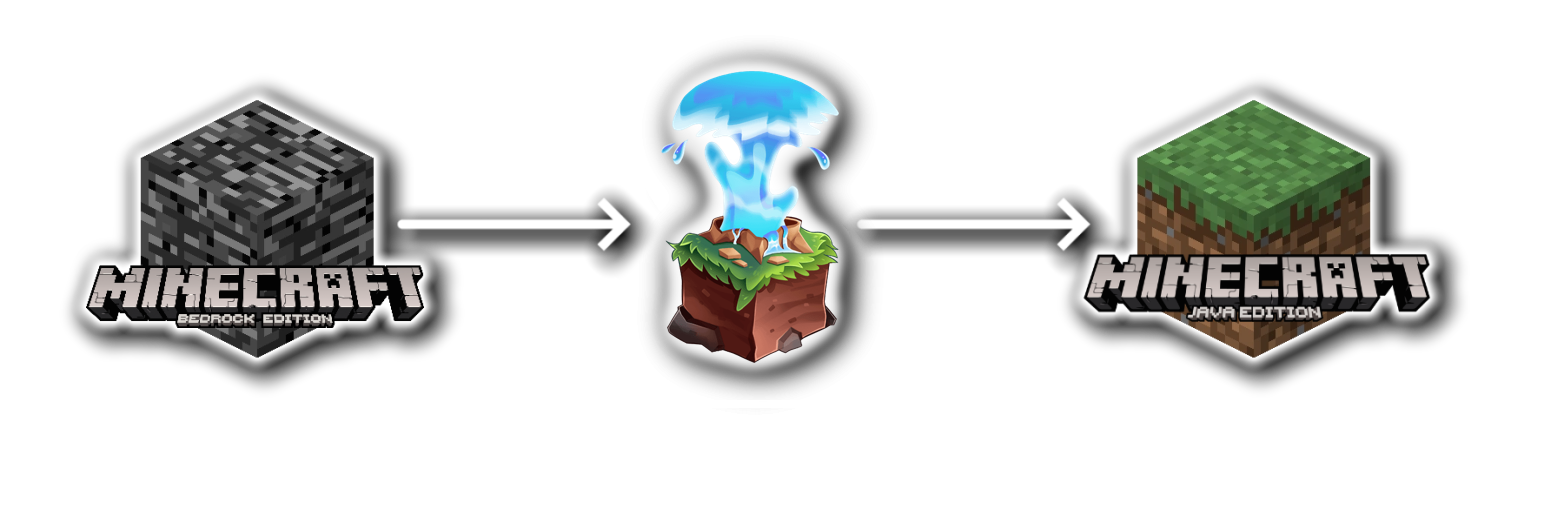
Enable your Java server to accept Bedrock players seamlessly. This setup allows console and mobile players to join your world through a single server address.
- Download Plugins
First, download Geyser-Spigot and Floodgate. Upload both .jar files into your server's /plugins folder. Then restart your server once so all config files get created. - Create a Bedrock Port (Very Important)
Since Skyzer Cloud provides multiple ports, you need to create a new port for Bedrock. Go into your hosting panel and create an extra port (UDP). After that, copy this port because you will need it in the next step. - Geyser Config (Important Step)
Go to: /plugins/Geyser-Spigot/config.yml. Now change these settings: auth-type: floodgate, bedrock port: set this to the port you created in your host panel. Leave the address as: address: 0.0.0.0. Save the file and restart your server. - Connecting Bedrock Players
Bedrock players need: your server IP and the port you created in the host panel. They enter both in Minecraft Bedrock to join your server. - Testing if it Works
After setup, you can test the connection with: /geyser connectiontest <ip> <port>. If everything is correct, Bedrock players should be able to join.
After this setup, Java and Bedrock players can play together on the same server!